Liveries explained
Danny de Haas · November 18, 2026
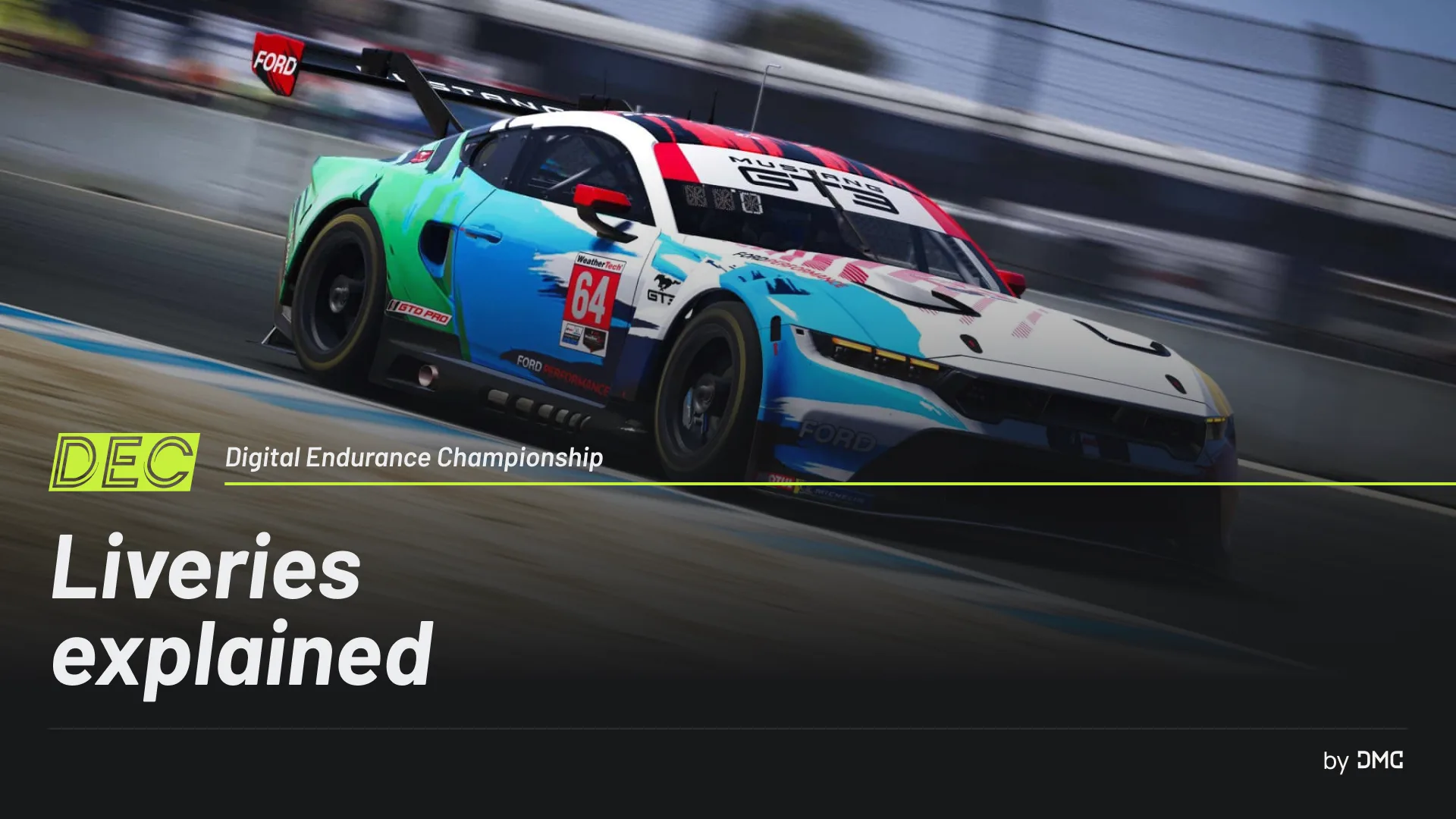
Every car in the Digital Endurance Championship races with its own livery. To keep the grid fair and free of legal problems, every livery follows the same rules.
Use the DEC template
DEC provides a livery template for every car in the championship. Make your livery with the template for your car, and use it in every DEC race.
Keep the logos and number plates
The template has DEC logos and number plates on it. Do not change, move, cover or remove them. The Team Manager who registers the car sets the car number in the team's Paint Shop in iRacing.
Upload, get approved, assign
Before the deadline the Staff announce for the season, you must:
- upload your livery in the DEC app,
- have it approved,
- assign it to your car in Trading Paints,
- assign the correct car number in the Team Paint Shop.
When you upload your livery, the app checks it straight away. If something is wrong, it tells you what it is and how to fix it. That doesn't mean the livery can never be rejected anymore, the staff can still do a manual check if they spot an issue the automatic system cannot detect.
What is not allowed
- Advertising for tobacco, alcohol or adult content
- Political or religious statements
- Anything inappropriate or provocative
- Logos of other series and organisations, such as the FIA, WEC, ACO, IMSA, SRO, Formula 1 and the Le Mans Virtual Series
- Fake logos that look like real companies or clearly point to them
No recent replicas
You may not copy a real-life livery from this year or the past two years, unless the owner gives you clear permission. You must be able to show that permission when we ask for it. A tribute to an older livery is fine, but it needs its own identity: "inspired by", not a copy.
You can read the full rules in Article 5 of the Sporting Regulations.
Follow us on Instagram
Follow @digitalendurancechampionship on Instagram for all our explainers before the season, and like the Liveries post to help other drivers find it.
- dec
- 2027
- explainer